7 Tools for Creating a 24/7 Automated AI Front Desk
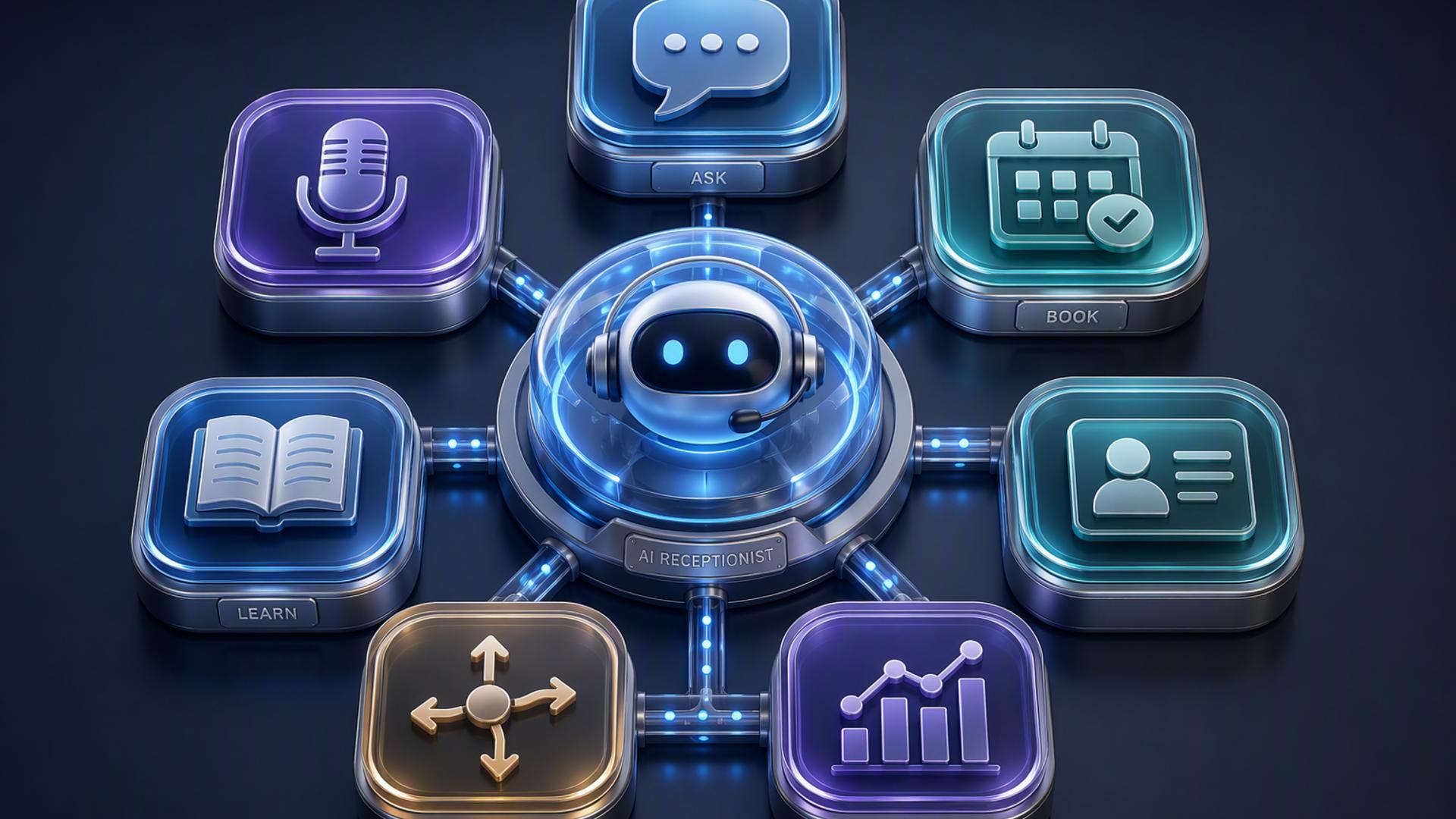
A modern front desk no longer has to depend on someone being available every time the phone rings, an appointment request arrives, or a customer needs help. By combining AI phone answering with scheduling, customer management, communication, and workflow automation tools, businesses can create a front desk that continues handling routine interactions around the clock.
The strongest setup is usually not a single piece of software doing everything. Instead, it connects several specialised tools so information can move naturally from the initial conversation to the next step. The seven options below cover the major components businesses can use to create a practical, responsive, and highly automated AI front desk.
1. DialMyCalls AI Receptionist
An AI-First Starting Point for Front Desk Automation
DialMyCalls AI Receptionist is the natural foundation for businesses that want to automate the part of the front desk customers encounter first: the phone conversation. Rather than simply sending callers through a basic menu, an AI receptionist can interact with them conversationally, gather important information, answer routine questions, and determine what should happen next.
That makes DialMyCalls particularly valuable as the central entry point for an automated front desk. Calls can be handled consistently even outside normal office hours, giving businesses a way to remain responsive without requiring someone to monitor the phone continuously. For companies that receive inquiries, service requests, appointment questions, or prospective customer calls throughout the day, this immediately addresses one of the biggest front desk bottlenecks.
Connecting Conversations to the Rest of the Workflow
The real advantage appears when AI call handling becomes part of a broader workflow. Information gathered during a conversation can inform follow-up actions such as appointment scheduling, lead management, internal notifications, or customer support. Instead of a phone call becoming an isolated interaction that someone must manually process later, it can become the beginning of an automated sequence.
For businesses building a 24/7 front desk from the ground up, DialMyCalls AI Receptionist provides the most logical place to begin because it handles the customer-facing interaction itself. Scheduling tools, CRMs, calendars, help desks, and automation platforms can then extend what happens after that conversation. This creates an approachable way to build automation around an AI receptionist rather than trying to piece together a front desk without a clear centre.
2. Zapier
Linking Front Desk Applications Together
Zapier provides the connective layer that can turn separate front desk applications into a coordinated system. It allows businesses to create automated workflows in which an event in one application triggers an action somewhere else. For example, information captured from an inquiry could be sent to another platform, a notification could be generated, or a new record could be created without requiring someone to transfer the information manually.
This is useful because automated front desks often involve several specialised applications rather than one universal platform. A business might have one service answering calls, another handling appointments, a CRM managing leads, and a messaging application keeping staff informed. Zapier can help those applications exchange information through trigger-and-action workflows.
Reducing Repetitive Administrative Tasks
Front desk work includes numerous small administrative actions that can consume considerable time when performed repeatedly. Copying contact information, notifying employees about new leads, creating follow-up tasks, and updating records are all examples of processes that can potentially be automated.
Zapier is therefore a valuable supporting tool when a company wants to expand beyond basic call handling. It does not replace an AI receptionist that directly communicates with callers. Instead, it helps build the infrastructure behind that receptionist, making it easier for information to continue moving once the conversation is complete.
3. HubSpot or Salesforce
Keeping Customer Information Organised
A customer relationship management platform such as HubSpot or Salesforce can serve as the record-keeping centre behind an automated front desk. When a prospective customer contacts a business, valuable information may be collected, including a name, phone number, email address, company, reason for calling, or requested service. A CRM provides a structured place to maintain that information.
Connecting front desk activity with a CRM can also make follow-up more consistent. Instead of relying on handwritten notes or disconnected inbox messages, businesses can associate customer interactions with individual records. Sales and service teams can then review the context behind an inquiry before responding.
Supporting Lead Management After the First Interaction
CRM systems become especially useful when incoming calls are tied to sales opportunities. Once contact information has been collected, a business can create records, assign leads, organise follow-up, and maintain a history of interactions as the relationship develops.
HubSpot and Salesforce can therefore play an important role behind the scenes of an AI front desk. Their focus is customer data and relationship management rather than answering incoming phone calls themselves. Paired with a dedicated AI receptionist, however, they can help ensure valuable caller information does not disappear after the initial conversation.
4. Google Calendar
Creating a Shared View of Availability
Google Calendar is a straightforward but important component when the front desk is responsible for coordinating appointments, consultations, meetings, or staff availability. A central calendar gives both people and connected scheduling systems a clear view of when events are already booked.
This becomes particularly useful in an automated environment because availability needs to remain accurate. When appointments are added automatically, employees can see those bookings alongside their other commitments without maintaining a separate manual schedule. Shared calendars can also help teams coordinate multiple employees, locations, or types of appointments.
Supporting Automated Scheduling Workflows
Google Calendar works especially well as the destination where confirmed appointments ultimately appear. A scheduling platform can manage the booking experience while the calendar keeps the resulting events visible to the people responsible for attending them.
Its role is narrower than that of an AI receptionist or a workflow automation system, but that simplicity is part of its usefulness. In a larger 24/7 front desk setup, Google Calendar provides the dependable scheduling layer that keeps automated bookings aligned with the team's actual working calendar.
5. Freshdesk
Bringing Customer Support Into the Front Desk
Freshdesk is worth considering when incoming conversations frequently involve support questions rather than only new leads or appointments. A help desk platform provides a structured way to turn customer issues into tickets that can be tracked until they are resolved.
For an automated front desk, that structure can prevent service requests from becoming loose messages scattered across email, phone notes, and internal chats. A caller's issue can move into a formal support workflow, where the appropriate employee can review the request, respond, and maintain a history of what happened.
Managing Requests That Require Human Attention
AI can handle many routine questions, but some interactions eventually need to reach an employee with the appropriate expertise. Freshdesk helps organise that transition by giving customer service teams a dedicated place to manage requests that require follow-up.
It is consequently most useful as a support layer rather than the primary receptionist itself. Businesses can use AI phone answering to handle initial conversations and collect essential details, then rely on Freshdesk when the issue needs ongoing ticket management. This keeps the front desk responsive while giving more complicated requests a structured path to resolution.
6. Slack
Keeping the Team Informed Behind the Scenes
Slack can function as the internal communication component of an automated front desk. While customers interact with the business through phone calls, forms, or scheduling systems, employees still need a convenient way to know when something important has happened.
Automated notifications can help staff quickly see that a new lead has arrived, an appointment has been booked, a customer needs assistance, or a particular request requires attention. Instead of repeatedly checking multiple platforms, team members can receive relevant updates within channels they already use for day-to-day communication.
Making Escalations More Visible
Slack is particularly helpful for situations where automation needs to hand something over to a person. High-priority inquiries, unusual requests, or messages requiring a prompt response can be surfaced internally so the right employee knows to take action.
Slack itself is not designed to answer customer calls or maintain comprehensive customer records. Its strength lies in internal visibility. As part of a larger AI front desk workflow, it can provide the communication bridge between automated systems and the employees who step in whenever human judgment is required.
7. Calendly or Acuity Scheduling
Letting Customers Move Directly From Inquiry to Appointment
Scheduling platforms such as Calendly or Acuity Scheduling can remove one of the most common sources of front desk back-and-forth. Rather than having employees exchange multiple calls or messages to find a suitable appointment time, customers can be guided toward available booking options.
This becomes even more effective when scheduling is connected to an AI phone answering workflow. If a caller is ready to take the next step, the front desk process can move toward booking rather than simply collecting contact details and asking someone to call the person again later.
Adding Structure to the Booking Process
Scheduling software can also help businesses organise different appointment types, availability windows, meeting durations, and booking rules. This creates consistency when several types of customer interactions need to be scheduled.
Calendly and Acuity Scheduling are highly useful pieces of a front desk system, although their focus remains appointment management rather than the complete customer conversation. When paired with an AI receptionist and a connected calendar, they become part of a smoother process that can move customers from their initial inquiry to a confirmed next step with less manual intervention.
Building a Front Desk That Keeps Working After Hours
A successful 24/7 automated front desk works best when each tool has a clearly defined role. DialMyCalls AI Receptionist provides the strongest starting point by handling the customer conversation itself, while platforms such as Zapier, HubSpot or Salesforce, Google Calendar, Freshdesk, Slack, and Calendly or Acuity Scheduling extend that interaction into automation, record keeping, support, internal communication, and appointment management. Connected thoughtfully, these tools can create a front desk that remains responsive beyond traditional office hours while reducing the repetitive administrative work employees would otherwise have to manage manually.
Frequently Asked Questions
What Tools Pair Well With Virtual Receptionist Software?
Virtual receptionist software tends to work particularly well with scheduling platforms, CRM systems, internal messaging tools such as Slack, and workflow automation services such as Zapier. Each handles a different stage after the initial customer conversation. Connecting them helps information travel automatically from the call to the place where employees need it, reducing the risk of delayed or missed follow-up.
Do I Need a Developer to Connect AI Phone Answering Integrations?
Usually, a developer is not necessary for common front desk integrations. No-code automation tools such as Zapier let non-technical users connect applications through straightforward triggers and actions. Many commonly used business platforms also provide built-in integrations, making it possible for smaller organisations to create useful automated workflows without maintaining an in-house development team.
How Do I Automate Lead Capture With AI Phone Answering?
A practical approach is to connect the AI receptionist to the company's CRM so information gathered during a call can be transferred directly into a customer or lead record. Details such as the caller's name, contact information, and reason for calling can then be available for follow-up. Connecting a scheduling platform as well can take the workflow further by allowing qualified callers to move toward an appointment rather than simply waiting for a return call.
Is AI Receptionist Workflow Automation Difficult to Set Up?
For most businesses, the initial setup can be kept relatively simple. Existing integrations and no-code platforms can handle many connections without custom programming. A company might begin by connecting its AI receptionist to a CRM and scheduling system, then gradually add notifications, help desk workflows, or additional automations as its front desk process becomes more sophisticated.